Best Ways to Play Board Games Online
Play board games online: compare publisher apps, web platforms, simulators, video calls and free browser play, then choose what fits your group and schedule.
By the Tavernly team ·

Your sister moved away. You still want your Sunday game, but her free evening falls while you're working. To play board games online with friends, first decide whether you need a live game night or a game that waits between turns. Then choose a method everyone can use on the device they actually have.
What are the ways to play board games online?
The short answer
- Buy a publisher's app or desktop version for a particular game.
- Join a multi-game web platform for a choice of games.
- Load a virtual table in a simulator and manage the rules yourself.
- Put a physical copy on camera and play over a video call.
- Open a free browser game with guest play.
Before choosing, ask everyone for their device, availability and willingness to pay. Count the people who will play, including anyone sharing a screen. Check the game's seat limit before sending invitations; a tool that connects your group doesn't change how many players the game supports.
Should you use a publisher app or desktop version?
Choose an official digital adaptation when your group already knows which game it wants. The software can handle legal moves and scoring, leaving you to learn its controls. Check that you're buying the playable game: a companion app may only help score or set up your physical copy.
Paid downloads are common, and expansions can cost extra. For ordinary online multiplayer, budget for each player to need a copy unless the publisher explicitly allows guests. Before buying an expansion, check whether friends can join when only the host owns it. Also confirm that the phone and desktop editions can play together.
Some adaptations support asynchronous play, meaning you can close the game and return when it's your turn. Look for that feature explicitly. A game described as “turn-based” might still require everyone to stay connected.
Supported desktop games can also offer remote sharing: the host runs an owned copy and streams it to guests, with no extra charge for the sharing feature. Check support for the exact game. A shared mouse may suit taking turns, but private hands need protection. If you can't inspect your own board while someone else controls the view, planning waits until your turn and the session can run longer.
Is a multi-game web platform the easiest way?
Board Game Arena fits a group that wants official adaptations in a browser without buying a separate download for every game. It's free to join tables, including Premium games opened by a paying member. Hosting a private table may need Premium; check the selected game's hosting options while signed in before promising a free evening.
Its turn-based mode lets each player return to make a move without everyone being online together. Choose that mode when setting up the table and agree on the pace. It still has time limits, and availability varies by game. Use a live table when conversation and finishing together matter more.
If you want to play board games on your phone, test the particular game's layout. Can you read a card, inspect an opponent's position and reach the controls comfortably? A large strategy game can involve enough zooming and scrolling to warrant a tablet or laptop. Browser access alone doesn't tell you whether a table will feel comfortable.
What is a simulator, and is it worth the setup?
A simulator gives you a virtual table where you load components, deal cards and move pieces by hand. A setup may automate some chores, but don't assume it will stop illegal moves or calculate the result. Your group needs someone who knows the rules.
This suits an experienced table that enjoys handling components and wants flexibility. Check that a suitable, authorized version of your chosen game exists. A flexible sandbox doesn't guarantee access to every published game.
Paid desktop sandboxes often require each player to own the program. Game content can have separate terms; some paid add-ons require only the host to buy them. Check both purchases before asking friends to install anything.
My advice is to save this option for a group willing to practise the controls. Learning how to shuffle a virtual deck while also learning the game can consume your first evening. Saving the board preserves its position, but doesn't establish an offline turn service. If your plan depends on a host keeping the room open, agree who will do that before choosing it for play across different schedules.
Can you play a physical copy over a video call?
Yes. If you want your own pieces in your hands, that's a good reason to play board games over video call. You can each use a copy, or appoint a custodian who owns the shared board and moves everyone's pieces.
My recommendation is to start with individual player boards and little changing shared information. Roll-and-write games can suit this arrangement: announce the common roll, then each person marks their sheet. A deck builder needs more checking. Announcing purchases helps track the market, but you must also arrange legal draws, shuffles and private hands.
For a shared board, point a second device at the table and keep the view still. Agree on its orientation and use printed grid coordinates when available, so “move to C4” means the same thing to everyone. Ask a remote player to read a small component back before starting. What looks clear beside the camera may be unreadable on their screen.
Give one person custody of shared decks so different copies don't produce conflicting draws. Work out how to deliver secret information without showing it to opponents or giving a playing host knowledge they shouldn't have. If that needs constant camera changes, choose a simpler game.
Using copies and devices you already own can avoid another game purchase. Check your call service's charges and meeting limits. The custodian also has extra work: moving pieces, answering questions and keeping the board visible. Ask whether they're happy with that role.
Can you play free, with no account, on a phone?
If you want to play board games online without an account, Tavernly is our free browser option. Your first game supports guest play, private live tables have an invite link or six-letter code, and bots can fill empty seats. The games are designed for phones, and each has an optional “Learn by playing” guided lesson.
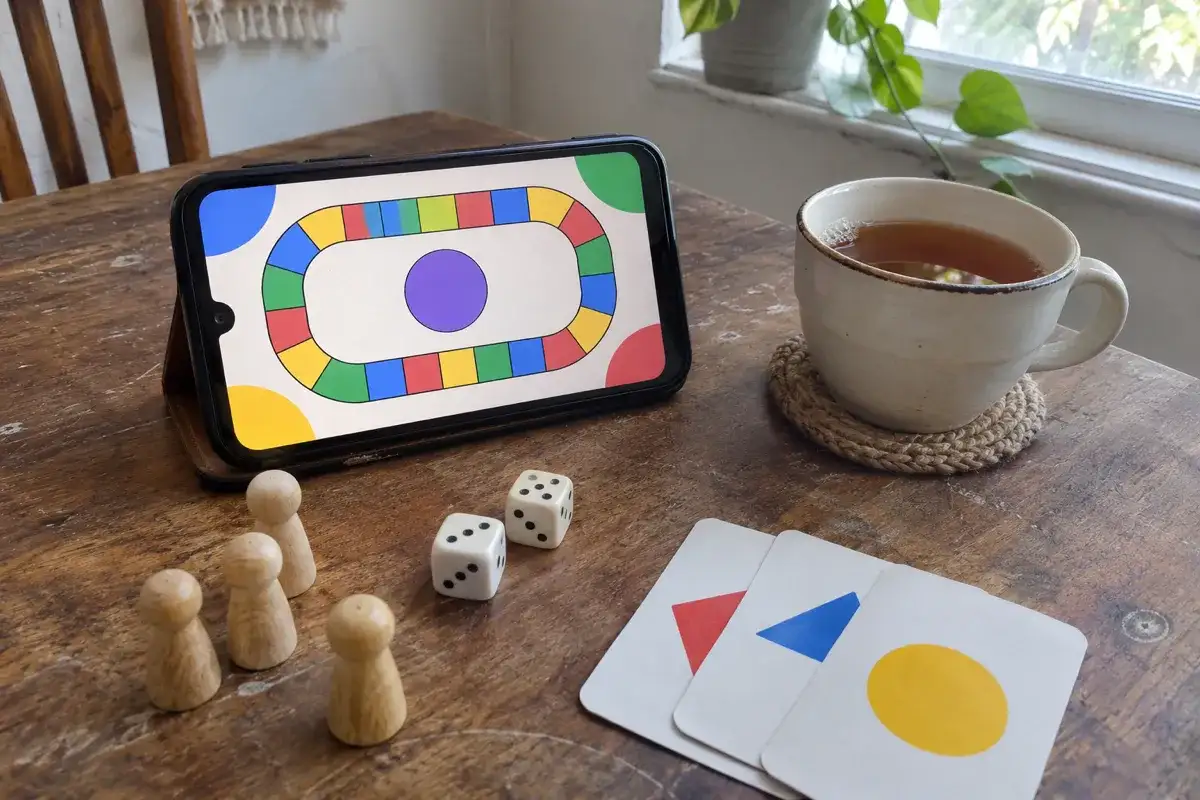
For a live session, choose a game, open “Invite friends” and use “Start now.” Set the seats, create the private table and send the invitation. Let your friends arrive before starting with bots in any remaining seats.
For turns taken separately, choose “At your pace” where the game offers it. This mode requires every human player to register. It isn't available for every game. The selection is our own games, so check what's available if your group wants a particular published title.
Which way fits you?
Use the row closest to your situation, then check the chosen game's player count. Here, “light” means few rules and little information to inspect; a heavier game asks you to compare more options and remember more interactions.
| Your group and friends count | Same time or turns? | Device | Cost check | Game weight and fit |
|---|---|---|---|---|
| A pair or regular group within the adaptation's seat limit | Either, if the adaptation supports it | Supported phone or computer | Copies and expansions | Light or heavy; publisher app or desktop version |
| You and a distant friend, or several friends within the game's limit | Separate turns | Browser; larger screen for a busy board | Joining versus hosting | Light or heavy; multi-game web platform |
| Experienced friends filling the chosen setup's seats | Plan a live session | Compatible computers | Program and game content | Heavier games you already understand; sandbox |
| Family with enough players for your physical copy | Everyone on a call | Camera plus a readable view | Existing copies and call limits | Little shared state; physical game on video |
| Friends up to the game's limit, with bots for missing opponents | Live first; supported slower mode if needed | Phone browser or computer | Free guest option | Start light; browser game with bots |
If you need more players before you can choose, the guide to finding a board game group covers joining a table and inviting people to your own.
How do you run the first online game night?
The first session needs room for mistakes with the tool. Use this checklist before sending the final invitation:
- Pick a short, light game you both know, or one the host can explain confidently. Leave the unfamiliar heavy game for another night.
- Test the table link and sound the day before, using everyone's intended device. Have a guest follow the invitation from the beginning so you catch missing permissions or purchases.
- Choose one person to teach it to the table. Demonstrate an ordinary turn and explain how to undo a practice move if the tool permits it.
- Arrange voice chat outside the game for conversation and rules questions. Keep hidden information private, and check that nobody's speaker feeds back into their microphone.
- Agree on how long a turn may take and when you'll finish. Allow for rules questions and access needs; choose settings everyone can comfortably meet.
For a familiar card-playing group, a partnership card game can make the rules lesson shorter. A domino game is another option if your friends already know that style of play. Familiarity matters more than choosing the shortest description. The beginner game-night guide helps with teaching and keeping the evening manageable.
FAQ
Can you play board games online for free?
Yes. Free online board games include browser games and tables you can join without paying. Check the action you intend to take: joining, hosting and adding content can have different terms. A free account also differs from guest access.
Can you play when you are not online at the same time?
Choose an asynchronous mode that stores the game between visits. Check how it tells you a turn is ready and what happens if you miss the deadline. Agree on when you'll usually check in, especially if your workdays or time zones differ.
What is the easiest game to start with?
Start with a game your group already understands, with readable components and a straightforward turn. You can then spend your attention on finding the controls. If everyone is new to the rules, try a guided lesson before arranging a competitive session.
Do all players need to buy the game?
Check the ownership requirement for each role before anyone pays. The host, invited guest and expansion user may have different requirements. Ask a friend to complete the join process during your test, so a purchase prompt doesn't interrupt game night.